'/%3e%3c!--%20Sparkle%20star%20top-right%20--%3e%3cpath%20d='M36%204L37.2%207.6L40.8%208.8L37.2%2010L36%2013.6L34.8%2010L31.2%208.8L34.8%207.6L36%204Z'%20fill='url(%23coolGradient)'/%3e%3c!--%20Small%20sparkle%20--%3e%3cpath%20d='M42%2016L42.8%2018.4L45.2%2019.2L42.8%2020L42%2022.4L41.2%2020L38.8%2019.2L41.2%2018.4L42%2016Z'%20fill='url(%23coolGradient)'%20opacity='0.8'/%3e%3c/svg%3e)
The AI platform for
product communication
Turn product knowledge into every customer facing asset.
Create demos, onboarding, documentation, release videos, training, and more from a single source of truth.
Free to try. No credit card. Your first demo in under ten minutes.
One rough take, and what a customer receives
Recorded the way anyone would record it, mistakes included. Nothing was re-recorded and nobody opened an editor.
Recording it is easy. Everything after is not
Capturing your screen takes minutes. Creating a professional demo can take hours, or never gets done.
An agency quotes per finished minute. A two-minute product video comes back as a four-figure invoice.
Everything between the recording and the finished piece is software, so the price follows volume, not headcount.
Script, record, edit, revise, sign off. By the time it ships, the product has already changed.
Record in the morning, publish in the afternoon. When the UI changes, run the recording again.
An editor for the cuts, a steady voice for the narration, and somebody who knows a timeline well enough to fix it later.
If you can walk a colleague through it, you already have everything the pipeline needs.
One polished video, put to work
The same finished walkthrough covers a lot of ground. These are the jobs teams reach for it for.
- Product demosProduct
- Customer onboardingCustomer Success
- Feature announcementsMarketing
- Release videosProduct
- Sales enablementSales
- Customer trainingCustomer Success
- Internal trainingEnablement
- Support answersSupport
Four steps, and you only do
the first one
Record your screen the way you would show it to a colleague. Everything after that is the pipeline.
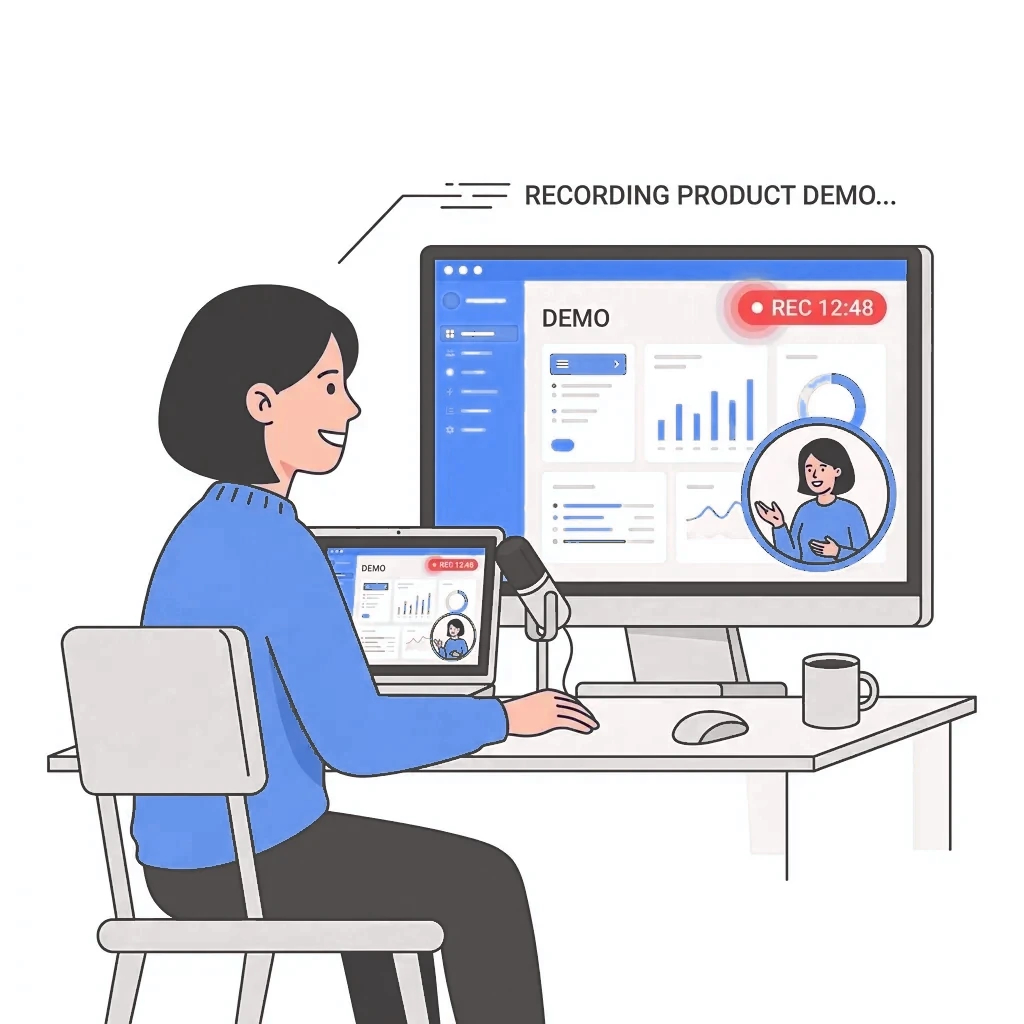
Record
Walk through your product the way you would for a colleague. Mistakes, pauses, and stray clicks are fine. You are showing, not performing.

Perfect Demo reads it
The recording is transcribed and watched: what you clicked, what you meant, and which parts of the screen carry the point.
It gets rebuilt
Glitches and dead air come out, the cursor is smoothed, the key actions are zoomed, the script is rewritten for clarity, and the narration is generated in a studio-quality voice.
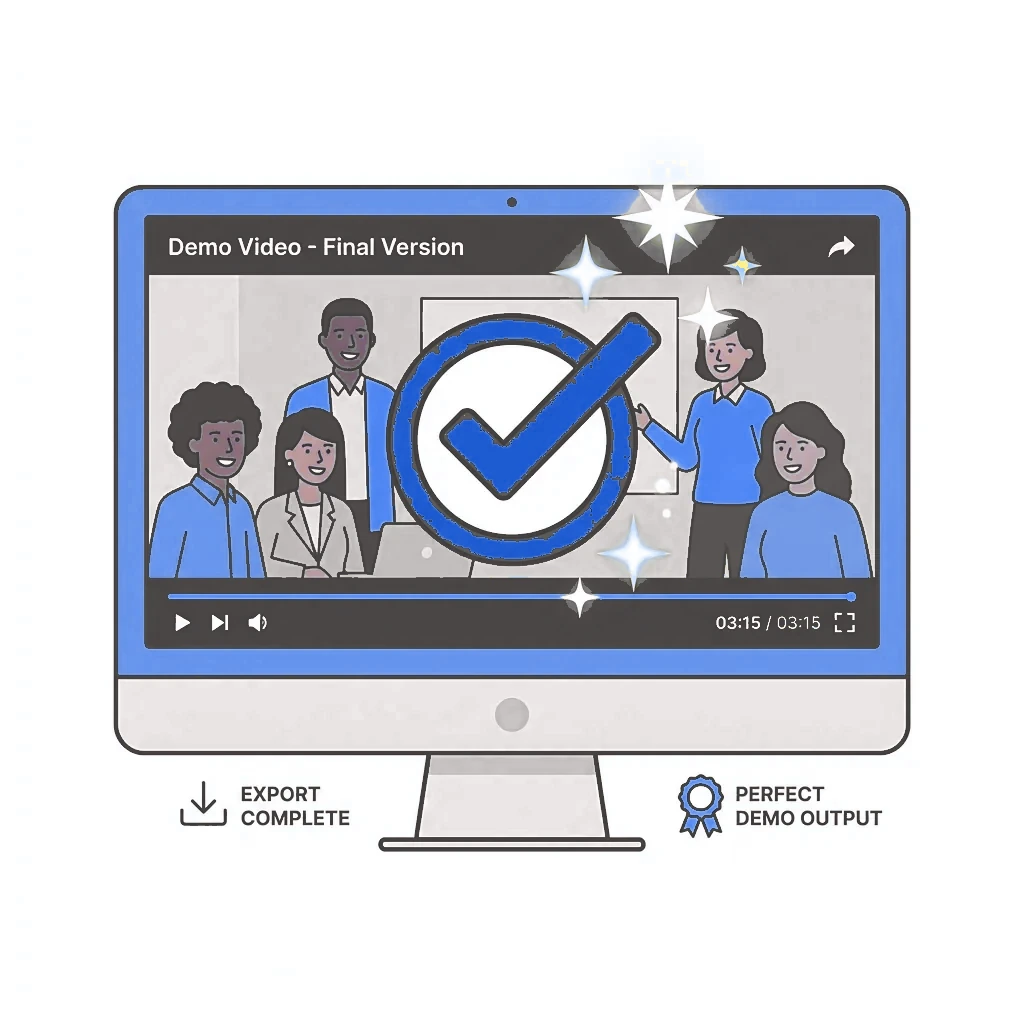
Publish it
You get a finished video back with its own share link and embed code, ready to send to a prospect, drop into your docs, or put in front of a new customer.
One recording. Every format you need it in
The recording is the input, not the deliverable. Video ships today. Everything else below is marked, so you always know which is which.
Polished video
The raw take, rebuilt: glitches and dead air cut, the cursor smoothed, the key actions zoomed, and the script rewritten and voiced in a studio-quality narration.
Guides and documentation
The same walkthrough as a written document, one screenshot per step, ready to paste into your help center.
Any language
The same demo generated in the languages your customers actually buy in, without recording it again.
Personalised versions
One version per account from a single take, carrying their name, their brand, and their use case.
And a place for it to live
- Share pagesA link anyone can watch, no account
- EmbedsOne snippet, into any page
- IntegrationsComing soonSlack, Jira, and Confluence
Frequently asked questions
Where this goes
Every product should be understood instantly.
Start with one recording
Record one walkthrough and see what comes back. Free to start, no card, no editor.
Prefer a guided walkthrough? Leave your email and we'll schedule one.